DayList 1.6.0 is out. The theme this time is less typing, and finer control over reminders and records. Here's a tour of what's new: importing from Contacts, notification sets, a gift log, the calendar year view and export, Lock Screen widgets, and more.
1. Import birthdays from your Contacts — only the ones you choose
The most requested feature. Open "Import from Contacts" from the menu on the home screen, and you'll see everyone in your iPhone Contacts who has a birthday set. Tick the people you want and tap Import. No more typing them in one by one.
- Selective, not all-or-nothing — your work contacts won't sneak in
- People already in DayList (same name and date) are marked "Added" and won't be duplicated
- Contacts are read only. DayList never modifies your address book
- If a contact has no birth year, it's imported with this year so you can fix the year later
2. Up to 5 reminders per date, including day 100 and day 1,000
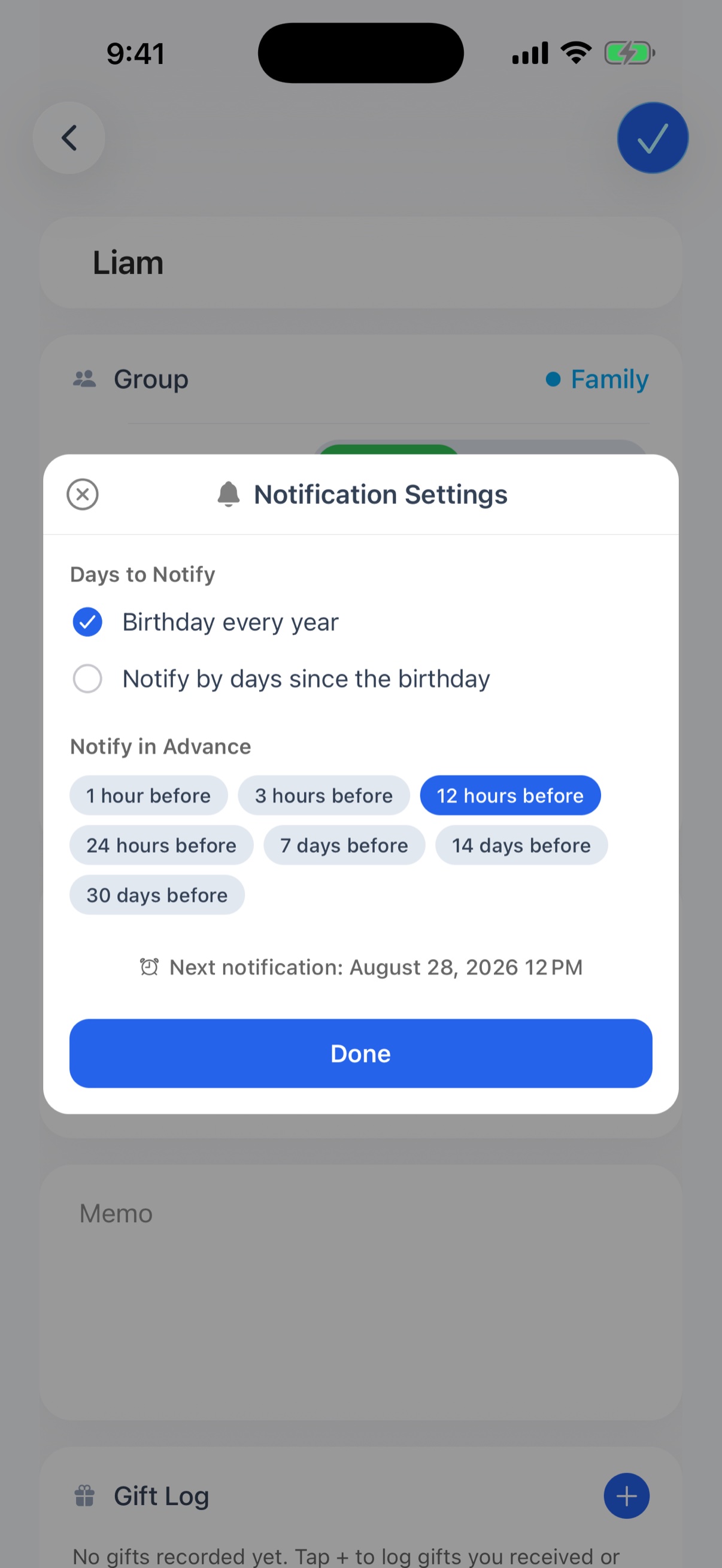
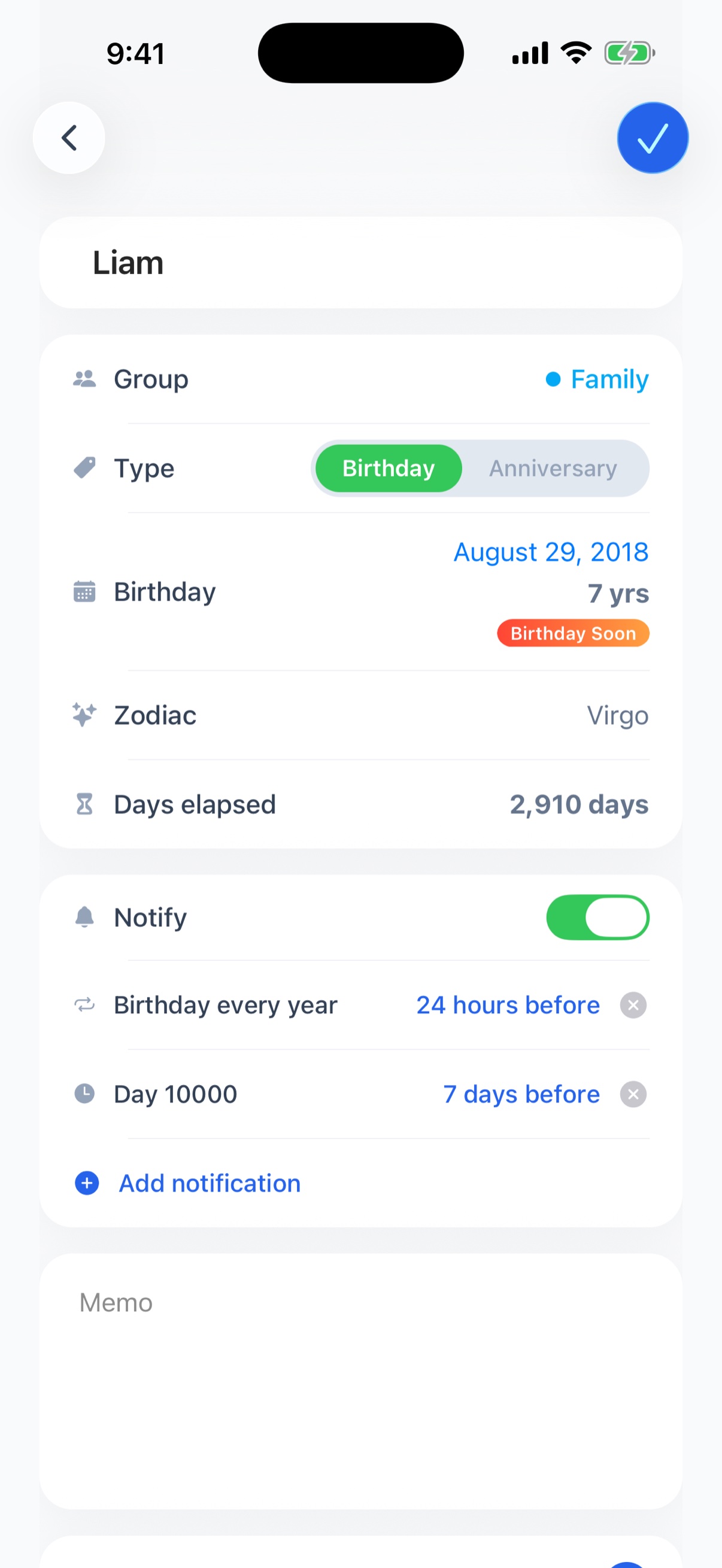
Until now each birthday had a single reminder. From 1.6.0 you can register up to 5 notification sets — each a target day × a timing. That makes staged reminders possible: "7 days before to get the gift, then again the day before".
The target day is no longer limited to the yearly date: you can be reminded on day 100, 500, or 1,000 counted from the birth date or anniversary, or any number of days you type. See how to use notification sets for the details.
3. A gift log for what you gave and received
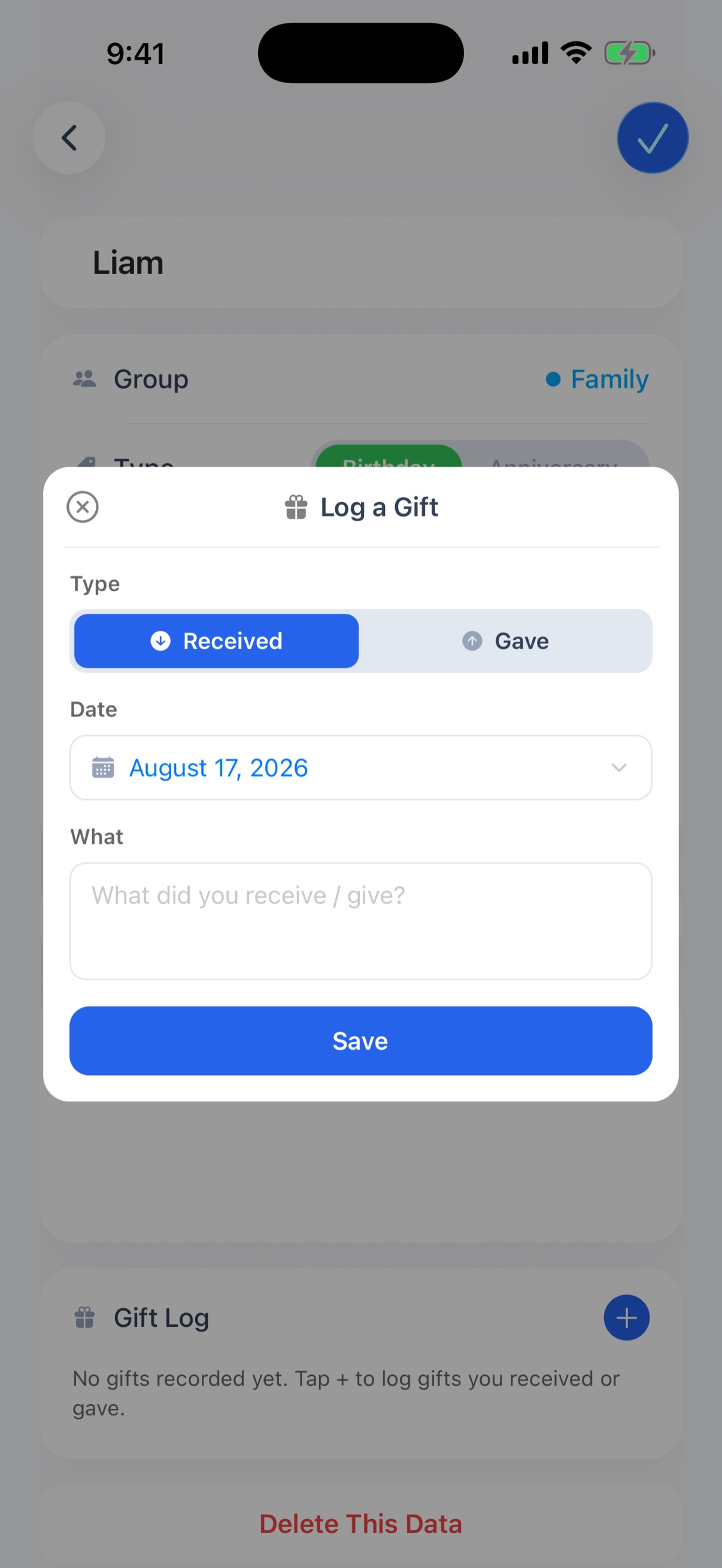
The detail screen now has a "Gift Log". Record each gift as "Received" or "Gave", with a date and a note. "What did I give them last year?" is answered by opening their page.
- Records are sorted by date, and you can switch between newest first and oldest first
- The free plan keeps up to 30 records per person; the premium plan up to 500
4. Calendar year view, and export to the iPhone Calendar
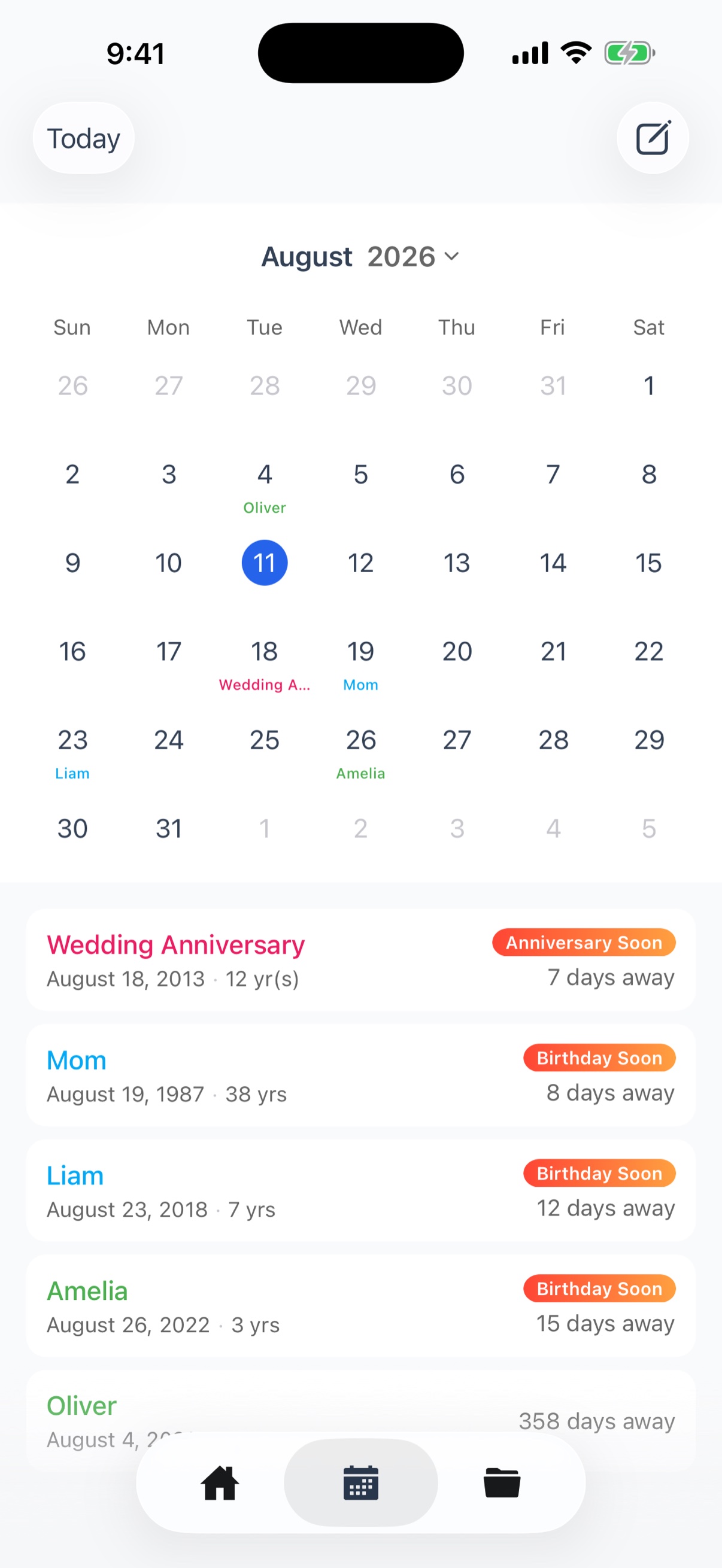
Tap the grid icon at the top right of the Calendar tab to switch to a year view with all twelve months side by side. Days with a birthday or anniversary are colored by group, so you can see at a glance whose dates fall between now and the end of the year. Tap a month to go back to the month view.
You can also choose "Export to Calendar" from the home screen menu to write your birthdays and anniversaries to the iPhone Calendar app. They go into a dedicated "DayList" calendar as yearly all-day events, so your everyday calendar stays clean. Available on the free plan.
5. Lock Screen widgets (Premium)
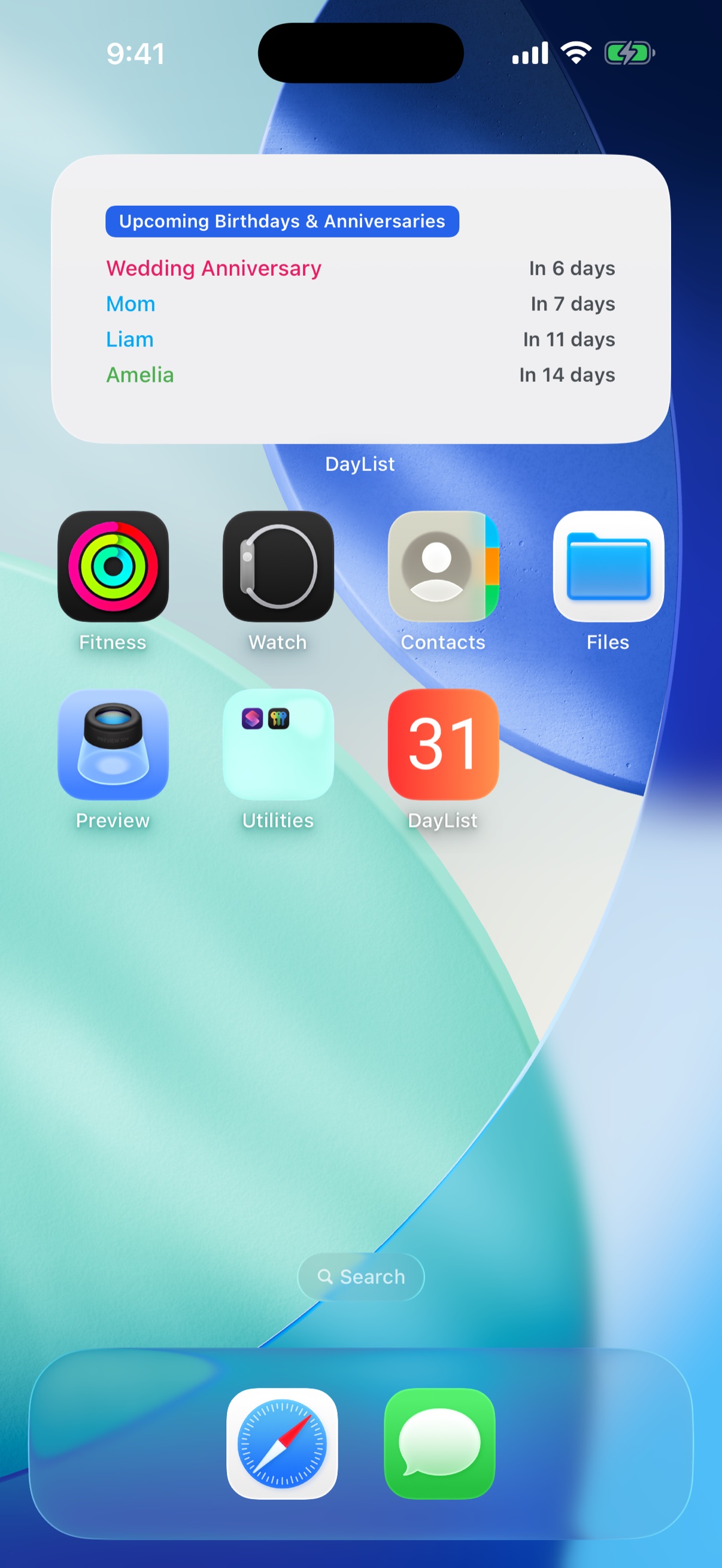
In addition to Home Screen widgets, DayList now supports Lock Screen widgets. See the days until the next birthday or anniversary just by raising your iPhone. The countdown widget can be pinned to a specific person from the Lock Screen widget editor.
Other improvements
- Star sign and zodiac animal — shown on the detail screen, e.g. "Virgo · Dog" (the zodiac animal appears in Japanese, Chinese, Korean, and Vietnamese)
- A year picker on the calendar, small layout refinements, and minor bug fixes
How to update
Update from the DayList page on the App Store. If automatic updates are on, you're probably already on 1.6.0 — if "Import from Contacts" appears in the home screen menu, you're up to date.